
SIMPLE HELP Remote Access
Remote Support is IT tools and software that enable a support representative to connect to a remote computer from their console via the Internet and work directly on the remote system.
Symetrix provides a simple solution for remote support that is safe to use and easy to install.
If a Symetrix support technician has invited you to connect to remote support, please follow the steps below.
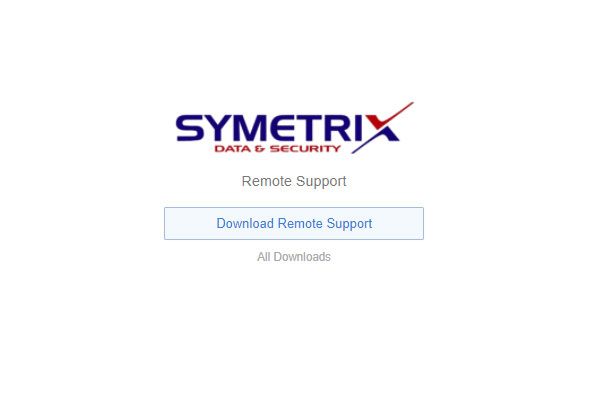
Step 1
Download
Remote Access Tool
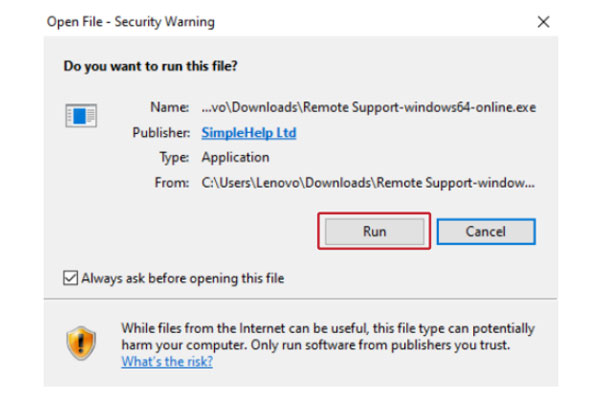
Step 2
If Promted Click on Run
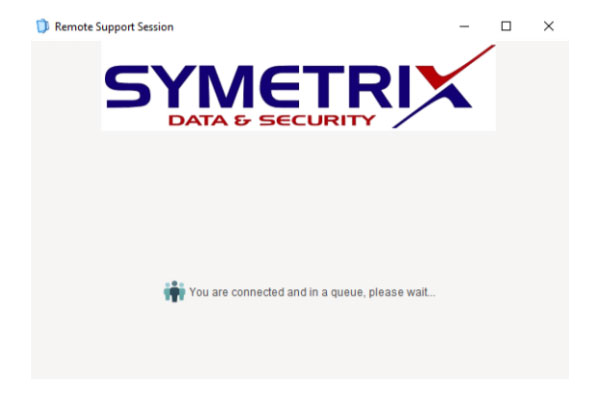
Step 3
Simple Help Installed Waiting For Support
Step 4
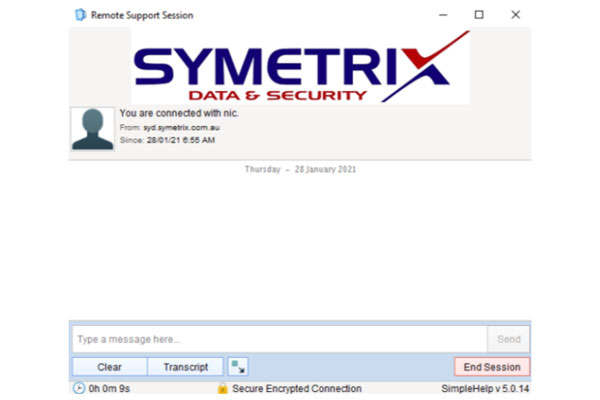
Support Technician Has Connected